 Hibret ህብረት
Language, look and notifications
Make the app yours: your language, its colours and the notifications on your phone.
-
 1231
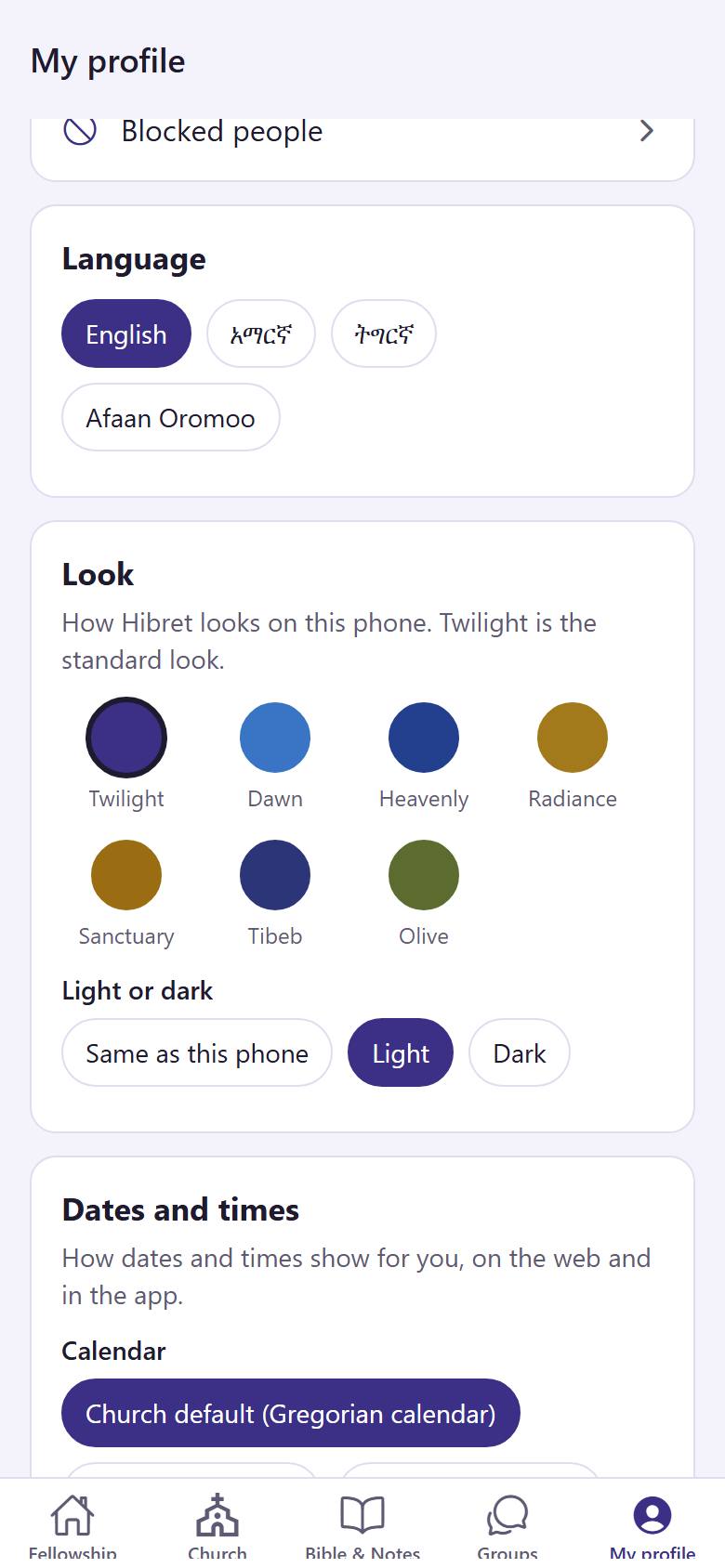
1231In "My profile", choose your language 1. Under "Look", tap the colours you like 2. Under "Light or dark", choose a light or a dark screen 3.
The app changes at once.
-
 12
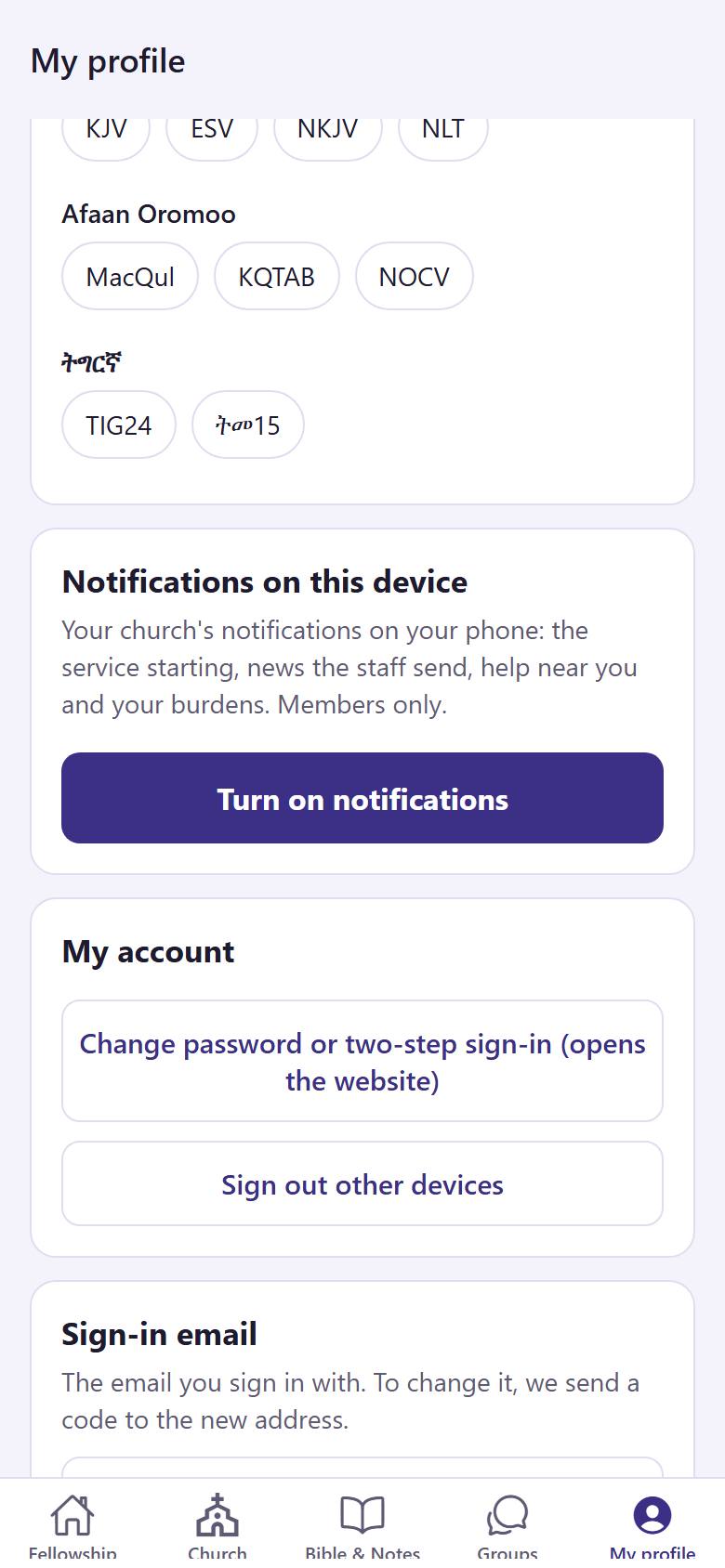
12Tap "Turn on notifications" 1 to know when the service starts, when the church sends news and when someone near you needs help.
Your phone asks if Hibret may send notifications. Tap Allow.