 Hibret ህብረት
Find your way in the app
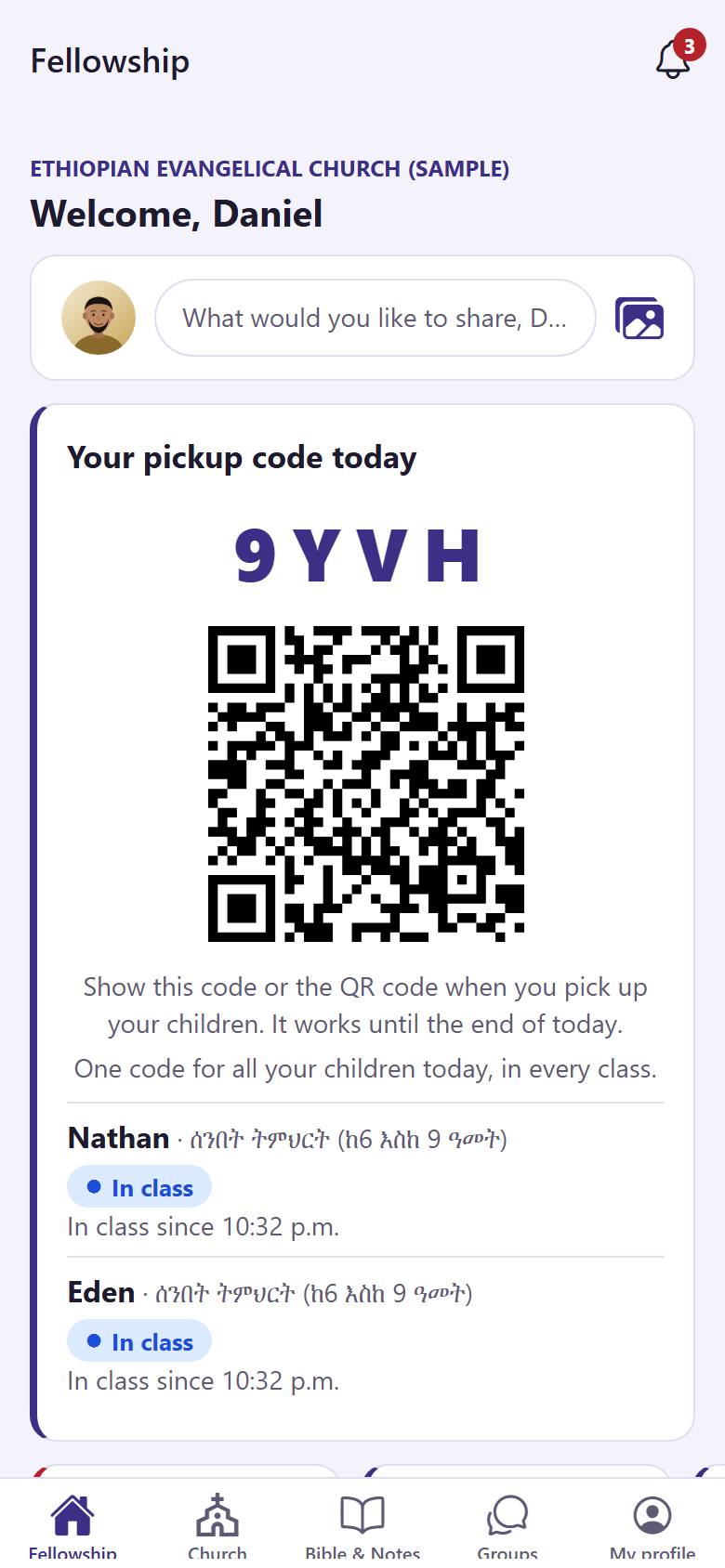
The app has five parts. You find them at the bottom of the screen.
-
 123451
"Fellowship" 1 shows the posts, prayer requests and burdens of your church family. "Church" 2 has the news, events, sermons and more. "Bible & Notes" 3 is the Bible and your notes. "Groups" 4 are your groups and their chats. "My profile" 5 is your profile and your settings.
A red number on a tab tells you that something new is waiting there.
-
 122
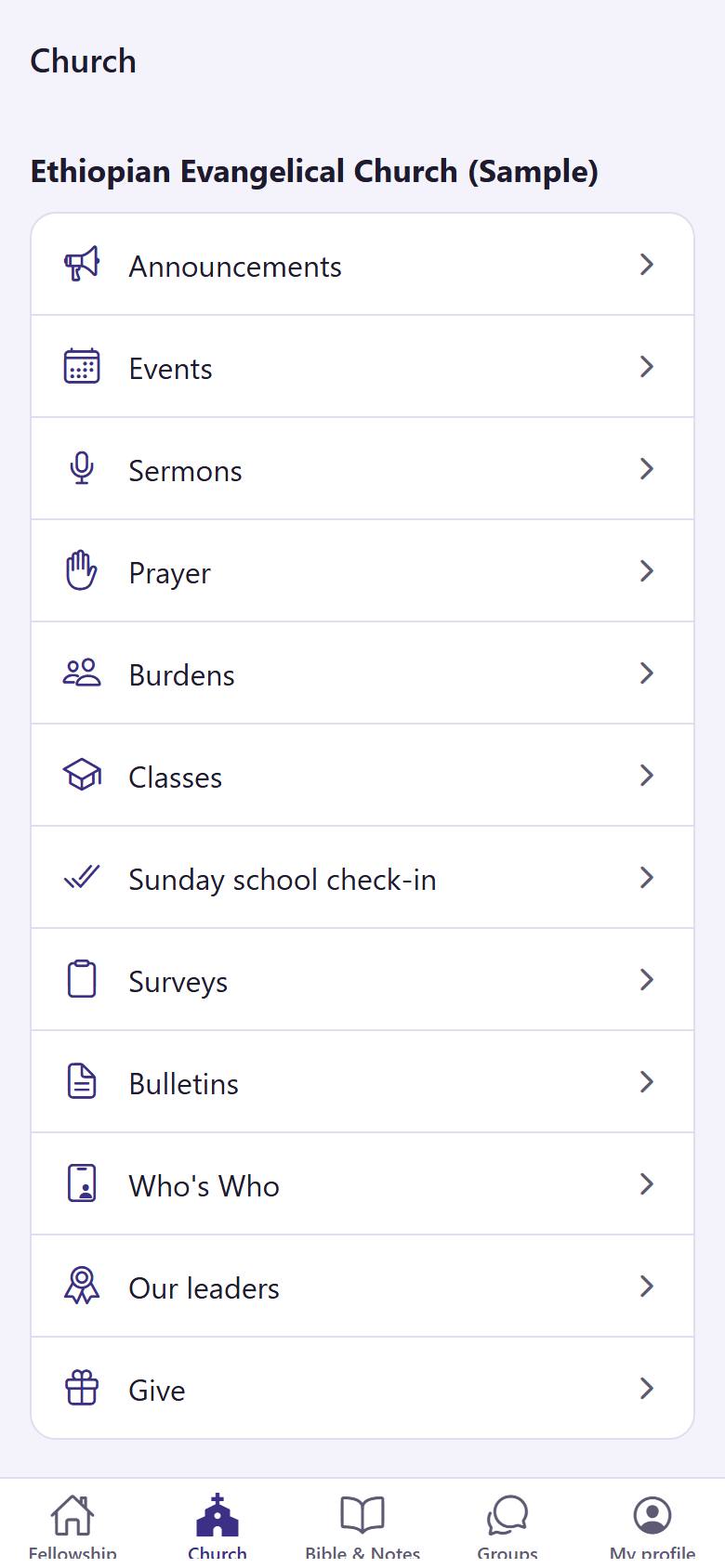
122Tap "Church". You see every part of your church: tap one to open it, for example "Announcements" 1 or "Events" 2.
A tap on the tab you are already in brings you back to its first page.