 Hibret ህብረት
Hide a message in the chat
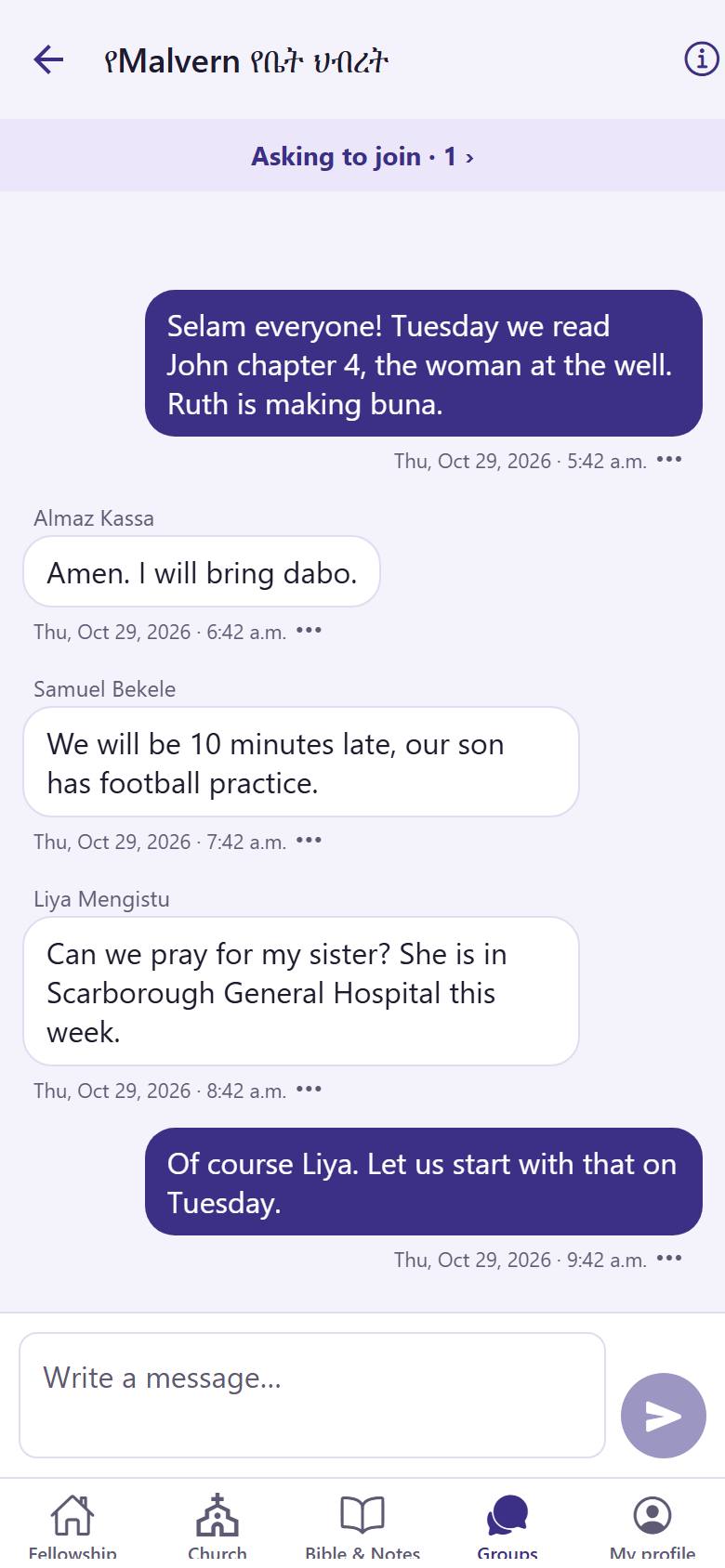
A leader can hide a message that does not belong in the group. Nothing is deleted.
-
 11
11In the chat, tap "More" 1 under the message.
-
 12
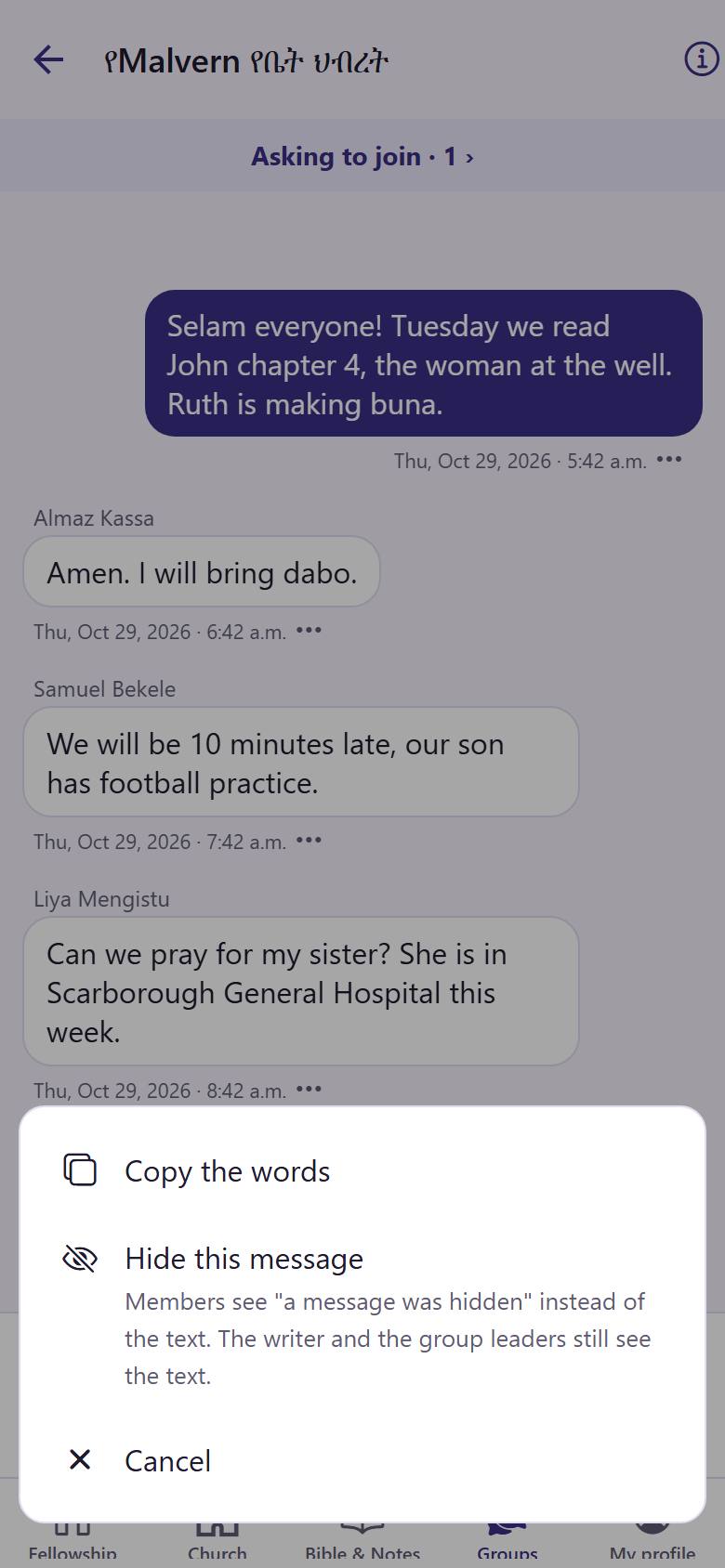
12Read what each choice does. Tap "Hide this message" 1. The app asks you first.
Members see "a message was hidden". The writer and the leaders still see the text.