 Hibret ህብረት
Logo, cover photo and your page on hibret.org
Give your church its own look, and choose if people can find it on the Hibret website.
-
 1231
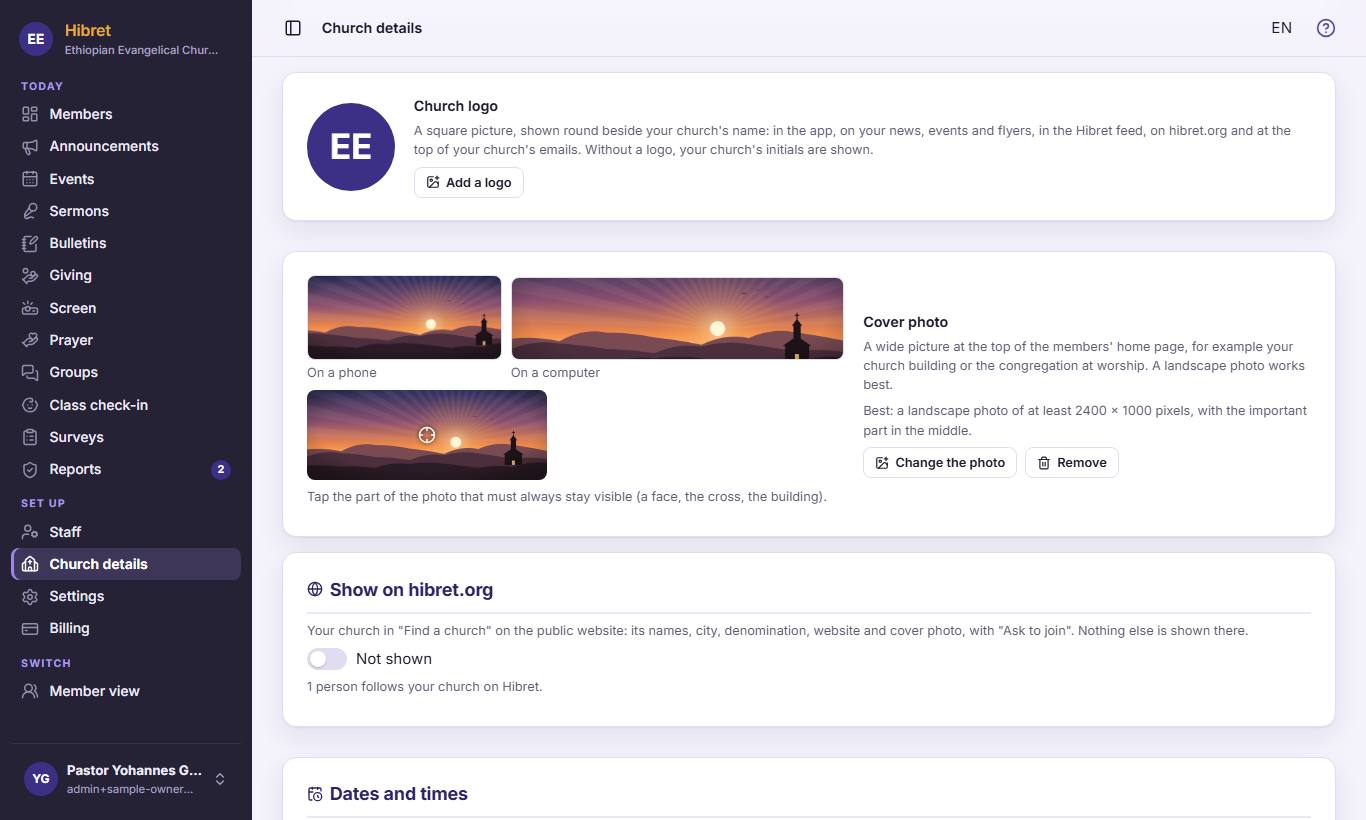
1231On "Church details", click "Add a logo" 1 and choose a square picture. For the wide picture at the top of the members' home page, click "Change the photo" 2. Click the important part of the photo 3 (a face, the cross): it always stays in view.
The logo shows next to your church's name in the app, on news and on emails.
-
 12
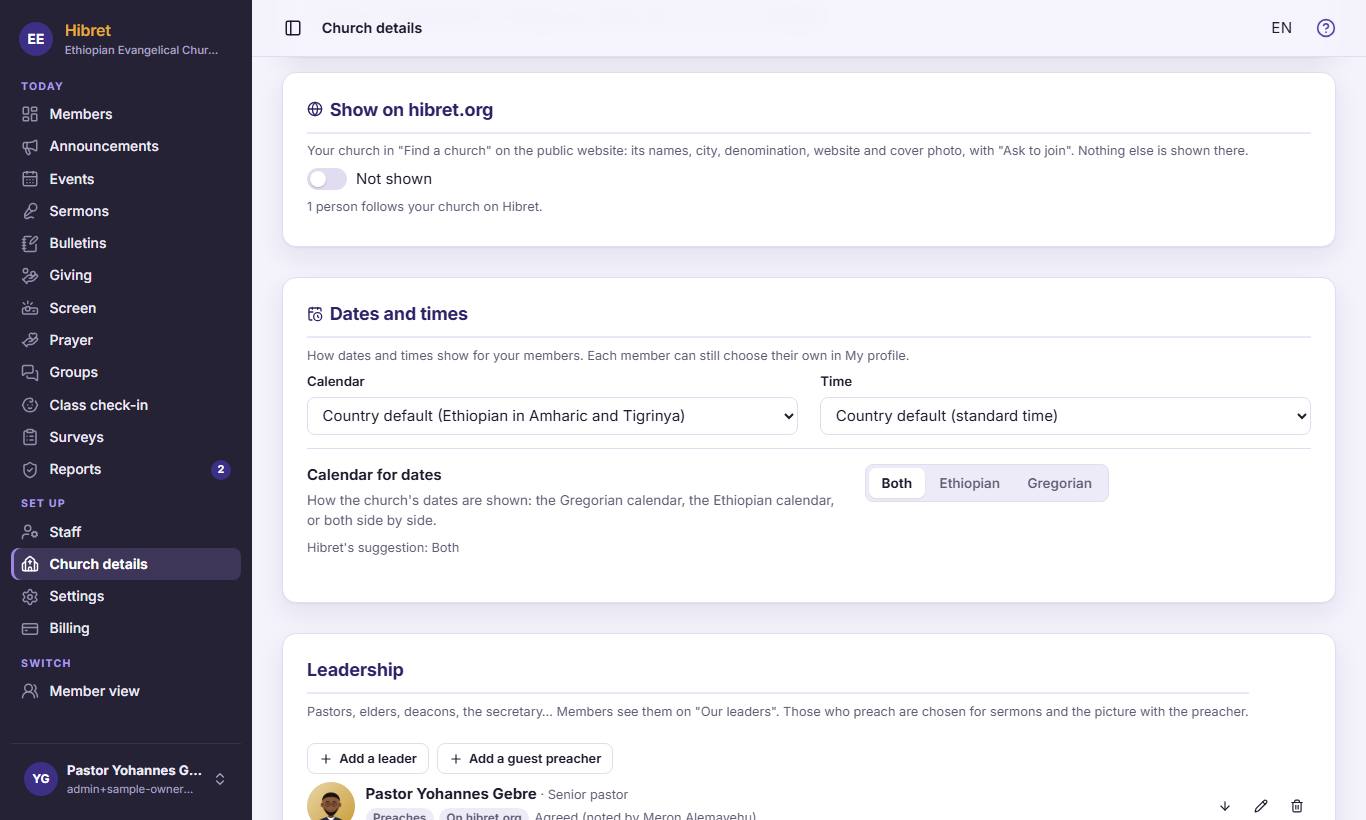
12Turn on "Show on hibret.org" 1. Your church is then listed in "Find a church" on hibret.org: its names, city, website and cover photo. Nothing else is shown.
People who find you can press "Ask to join".