 Hibret ህብረት
Accept a person who asks to join
In a group where people ask to join, a leader says yes or no to each request.
-
 11
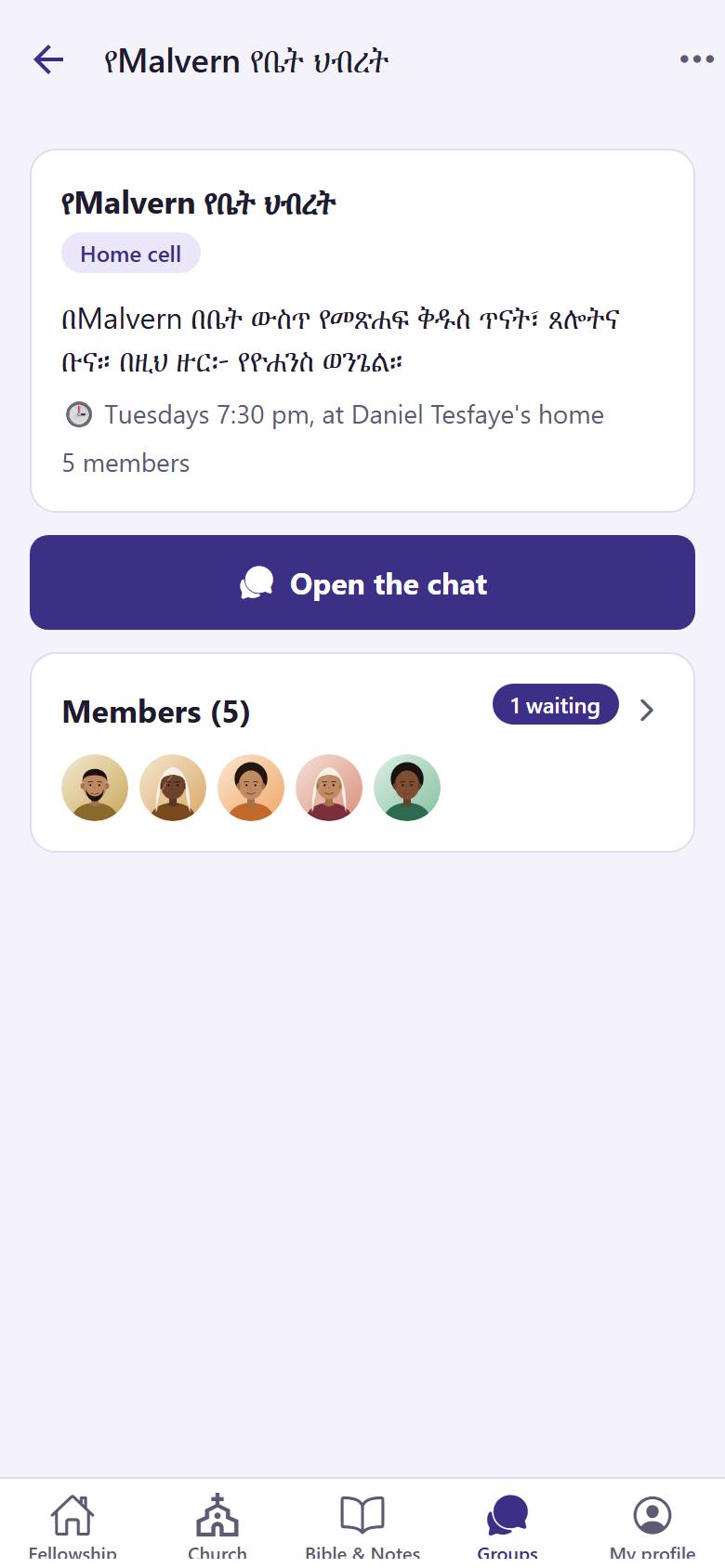
11Open your group. Tap the members card 1.
-
 122
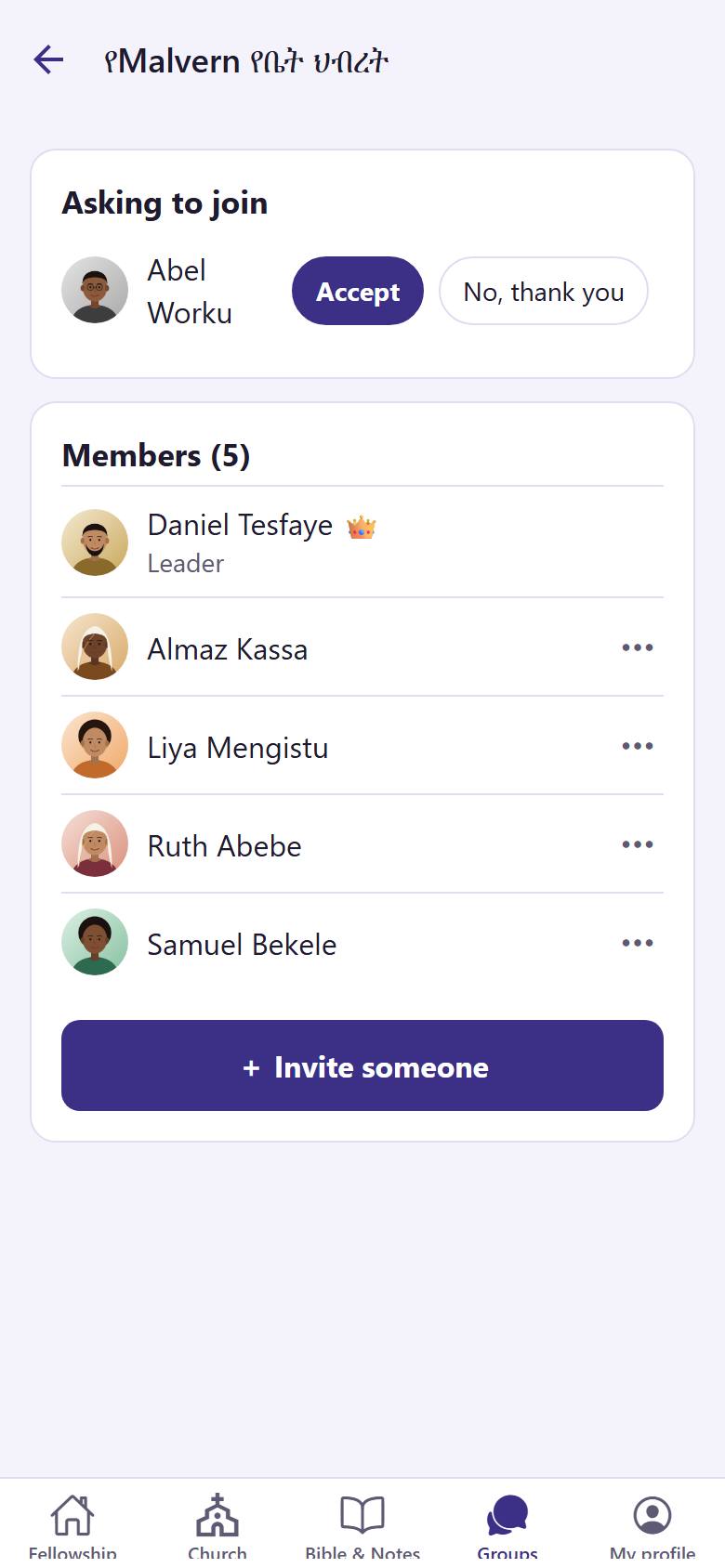
122Under "Asking to join", tap "Accept" 1 to let the person in. Tap "No, thank you" 2 to say no.
An accepted person becomes a member and can read and write in the chat. "No, thank you" asks you first.