 Hibret ህብረት
Make a leader or remove a member
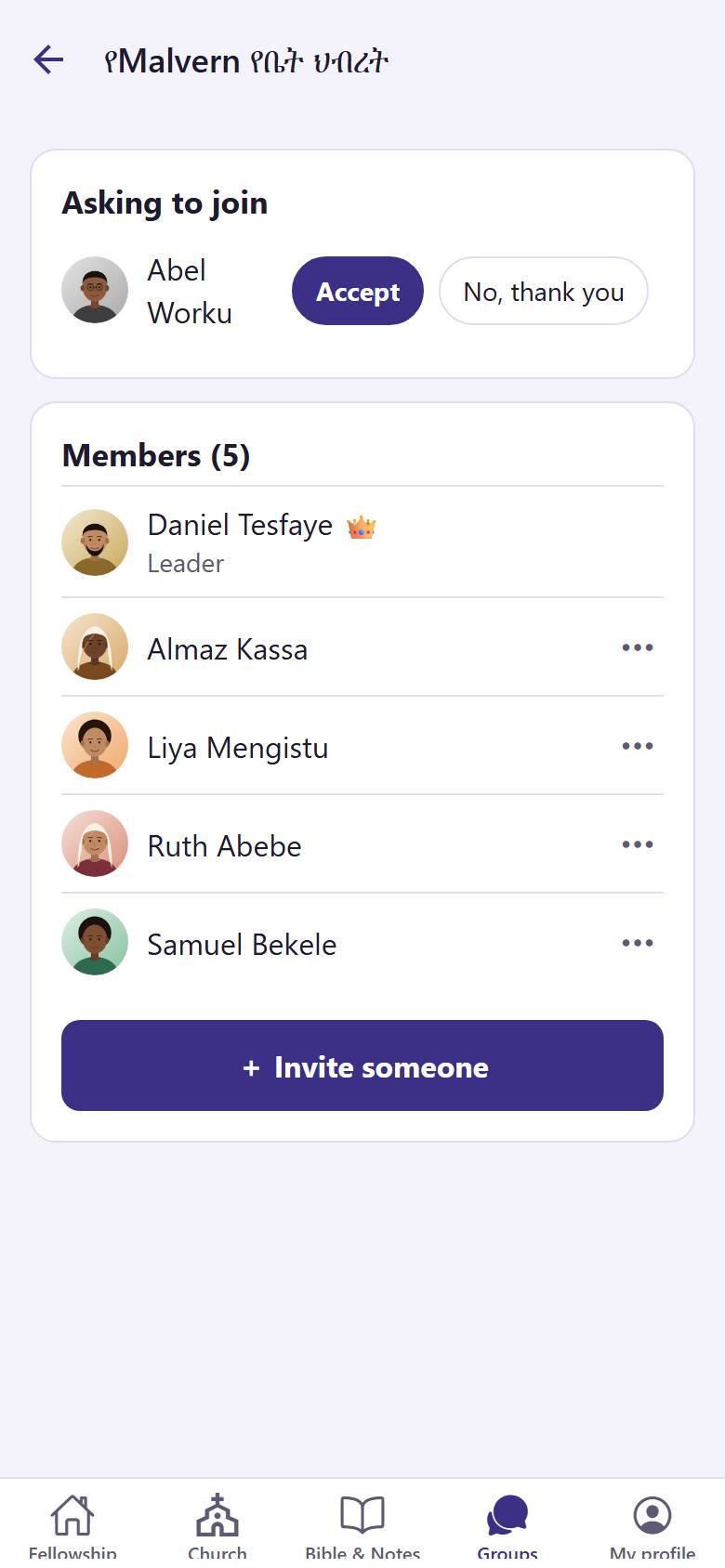
From the members list, a leader can make another member a leader, or take someone out of the group.
-
 11
11Open your group and tap the members card. Tap "More" 1 next to the person.
-
 122
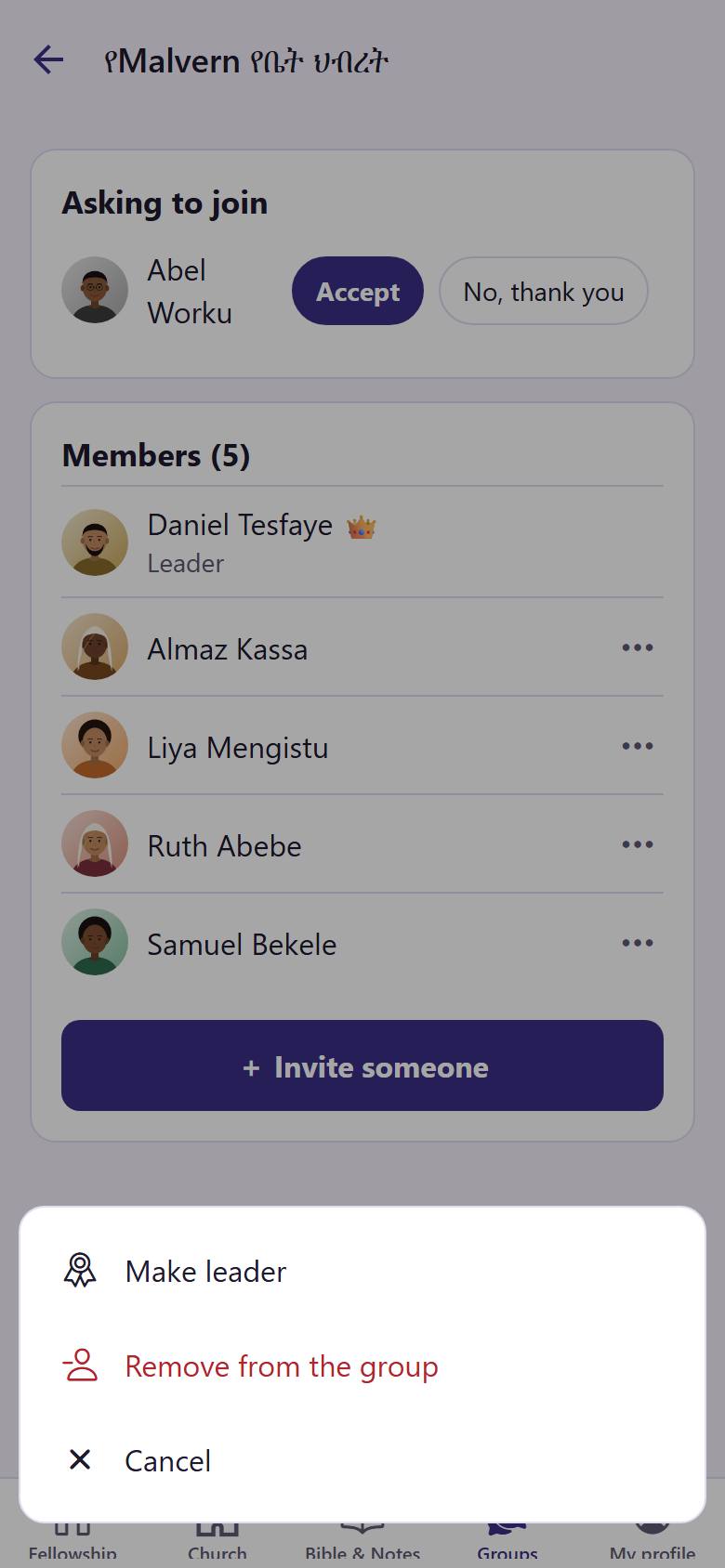
122Tap "Make leader" 1 to share the leading. Tap "Remove from the group" 2 to take the person out.
Before removing, the app asks you. Tap "Cancel" if you changed your mind.