 Hibret ህብረት
Move the slides from a tablet
During the sermon, the remote moves the slides on the church screen. Use it on a tablet or a phone, signed in as staff.
-
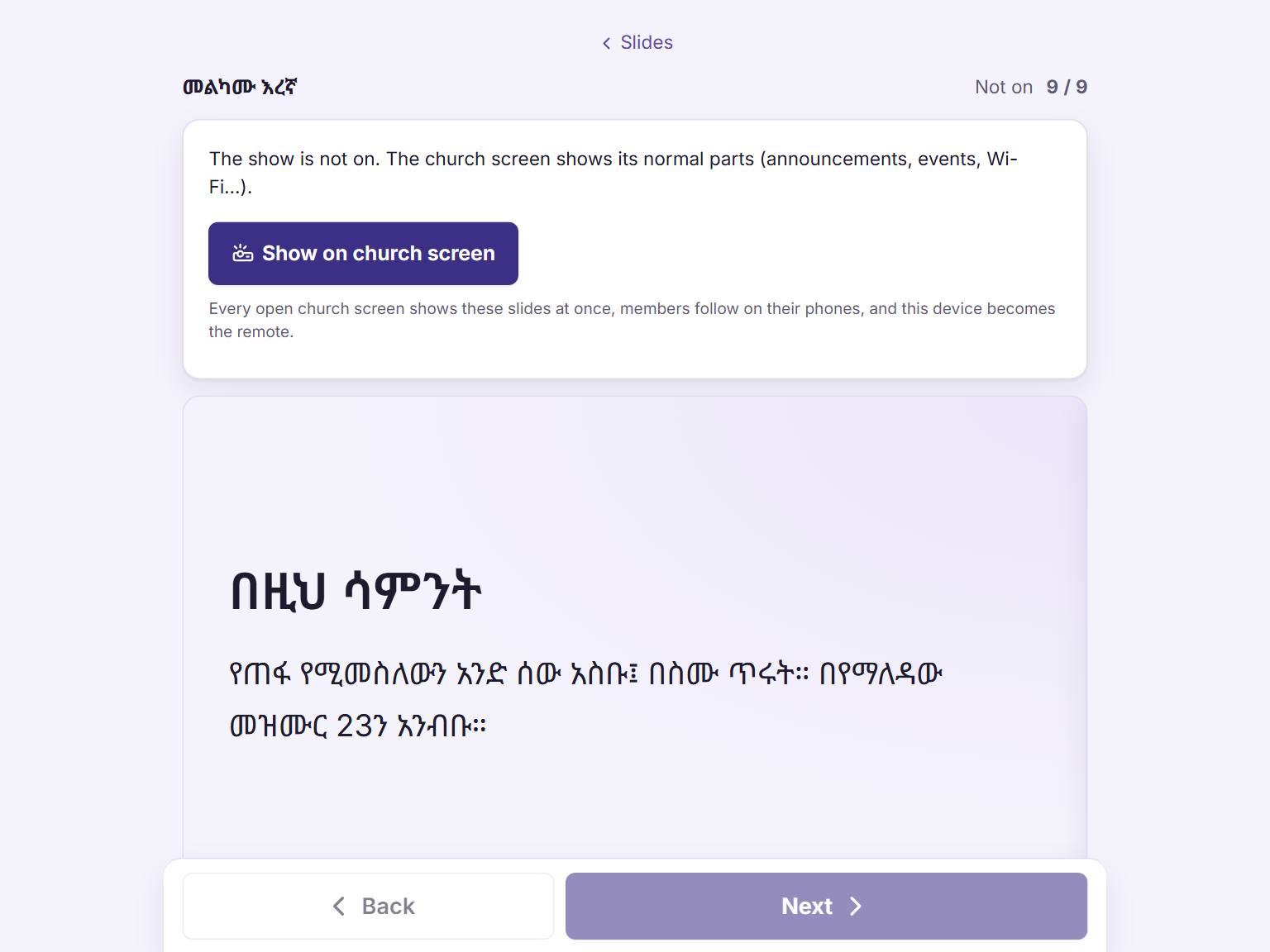 11
11Open the sermon's slides and the remote. Press "Show on church screen" 1 when the sermon starts.
The church screen shows the first slide. The remote shows the slide that is on the screen now, and the next one.
-
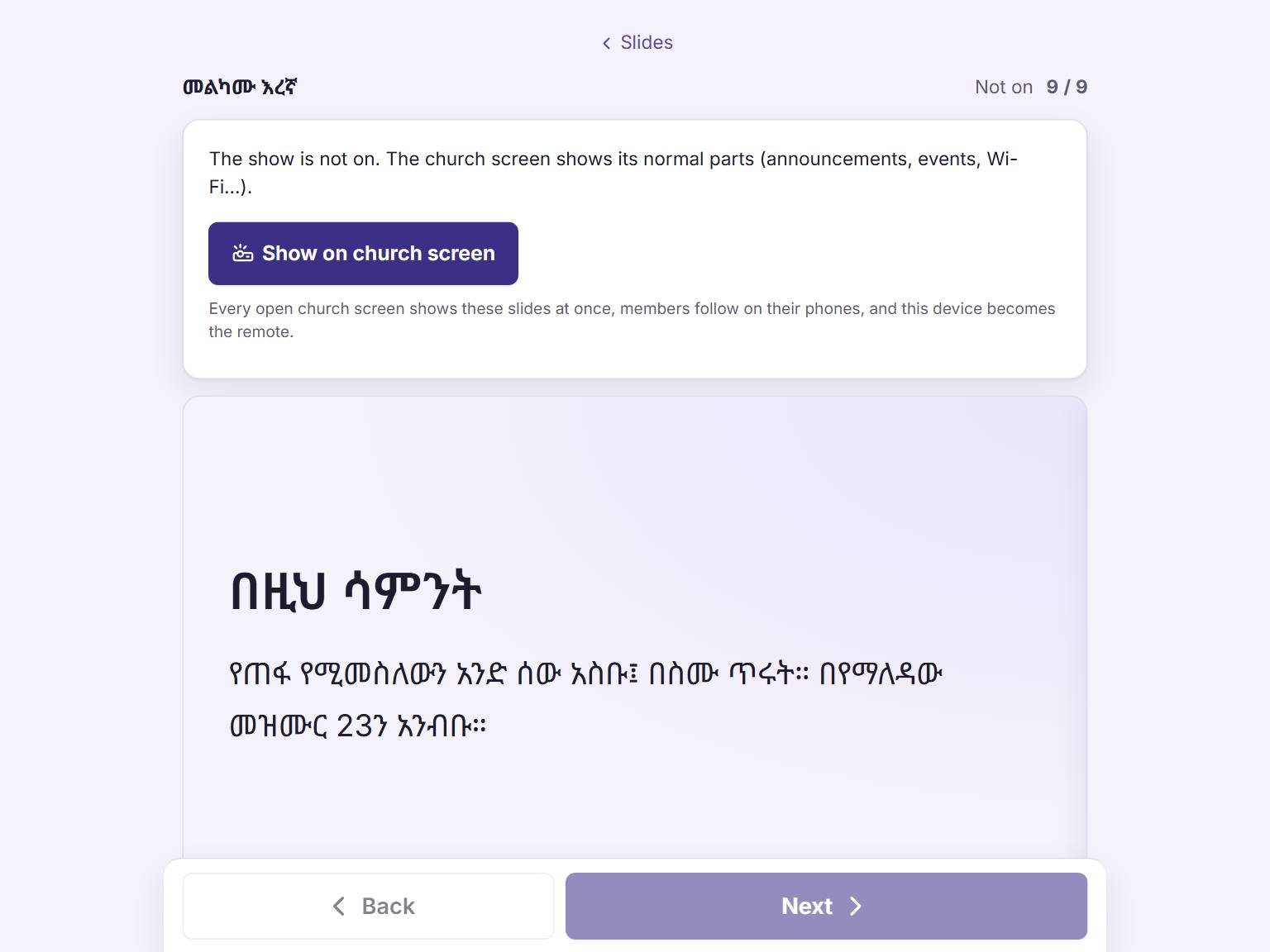 122
122While the show is on, press "Next" 1 for the next slide and "Back" 2 for the one before. Every open church screen follows at once.
No internet in the church? Use "Present here" on the computer that is connected to the projector.