 Hibret ህብረት
The Verse Lens: compare, Greek and Hebrew words, places, chapter
Tap any verse and open the Verse Lens: the same verse in your other Bibles, its words as first written with their meaning, the places it names on a map, and its chapter. All in one place, on the web and in the app.
-
 11
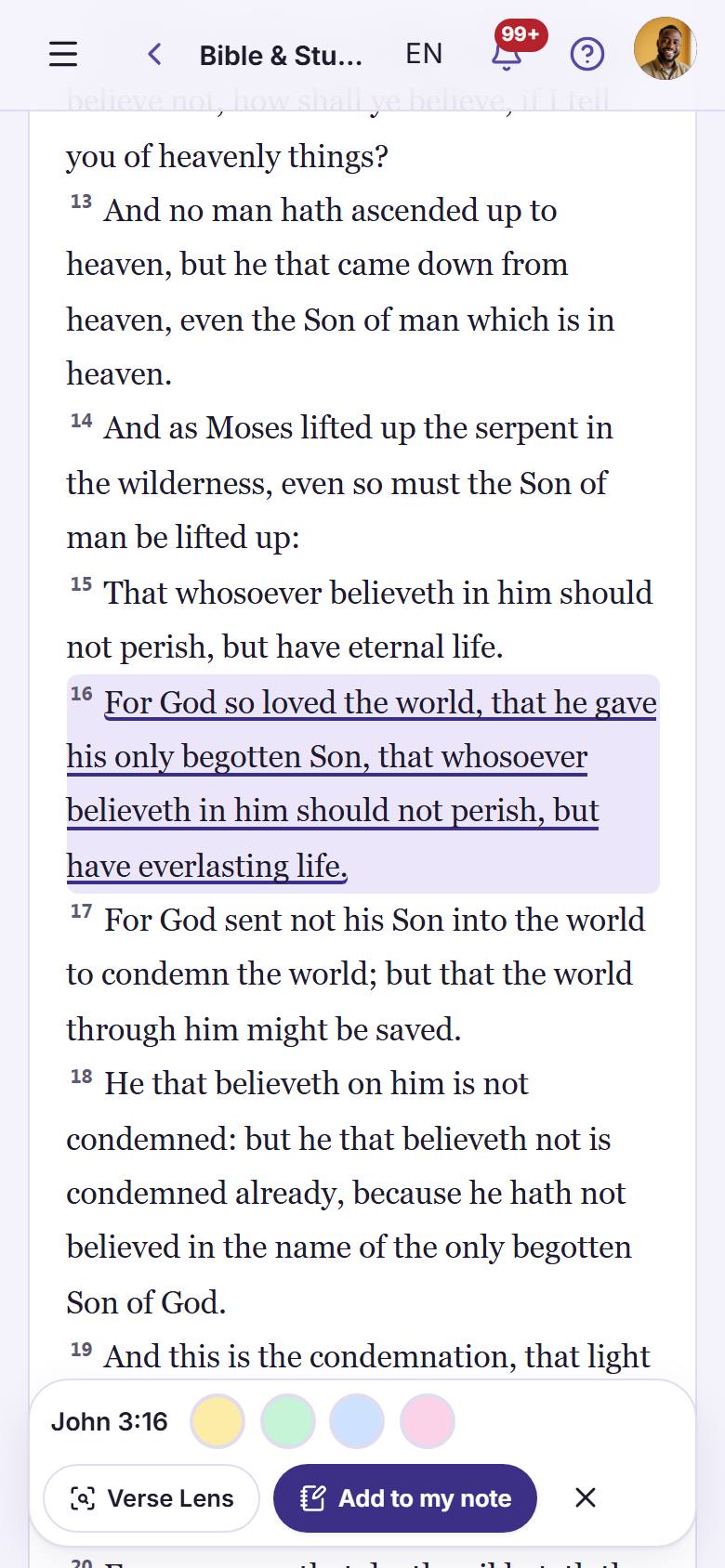
In "Bible", tap a verse. A bar opens at the bottom: tap "Verse Lens" 1. The same button is under every verse you tap in Study, a note, a sermon or an answer.
-
 1232
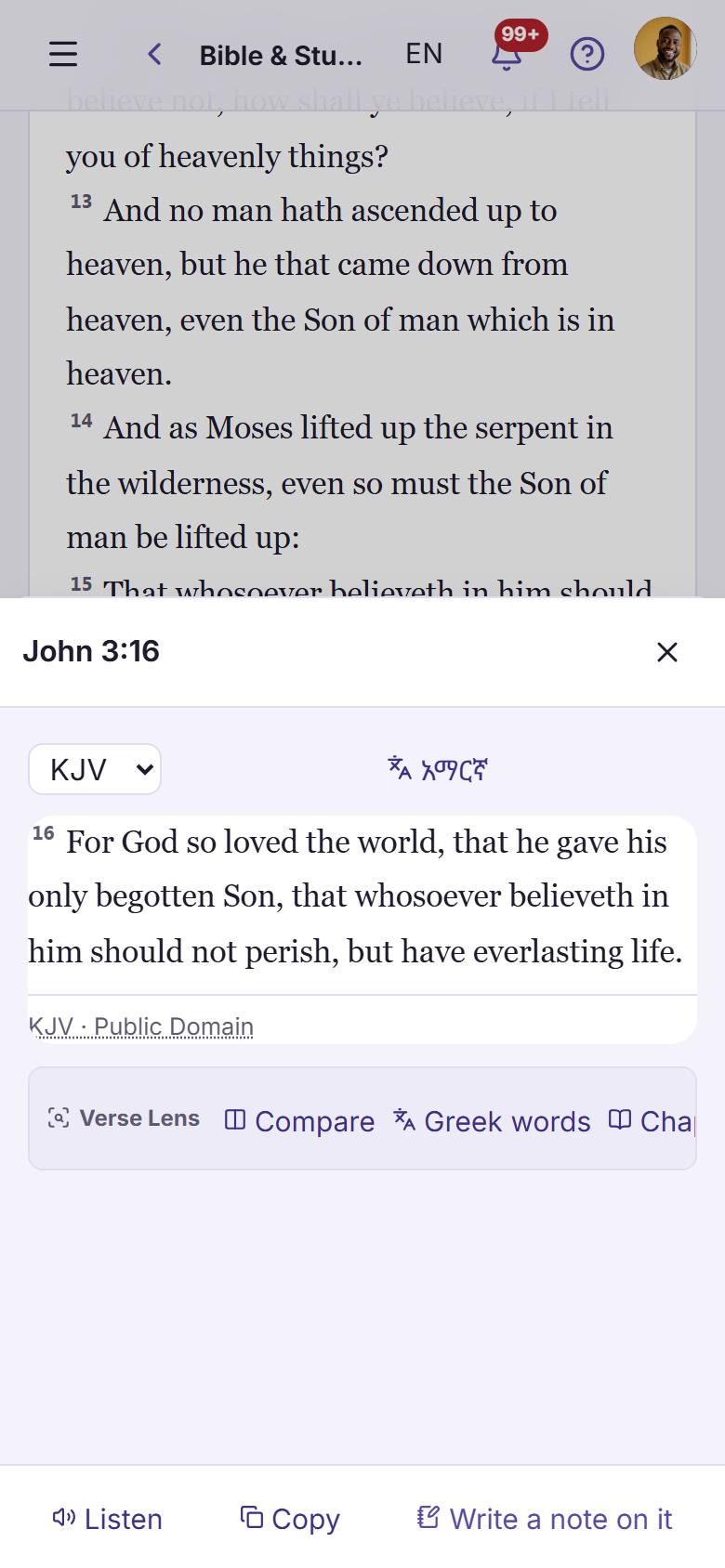
The verse opens with four tabs: "Compare" 1 (the verse in your other Bibles), the Greek or Hebrew words 2, "Places" (shown when the verse names a place) and "Chapter" 3 (the whole chapter).
On a phone the verse scrolls up with the tab, so the tab has the whole sheet.
-
 123
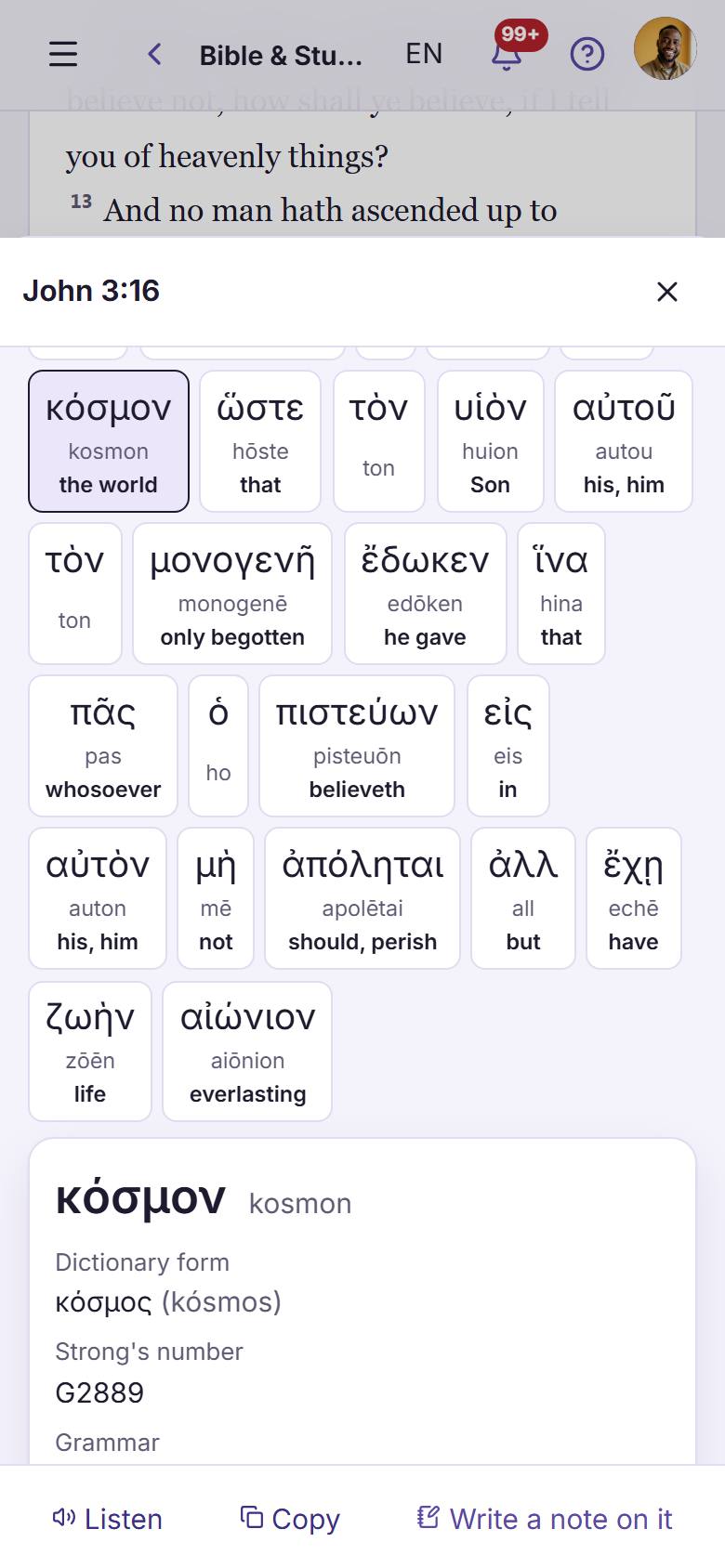
Tap the Greek words, then a word 1. Its card shows how to say it, its dictionary form, its number, its grammar and its meaning 2.
-
 124
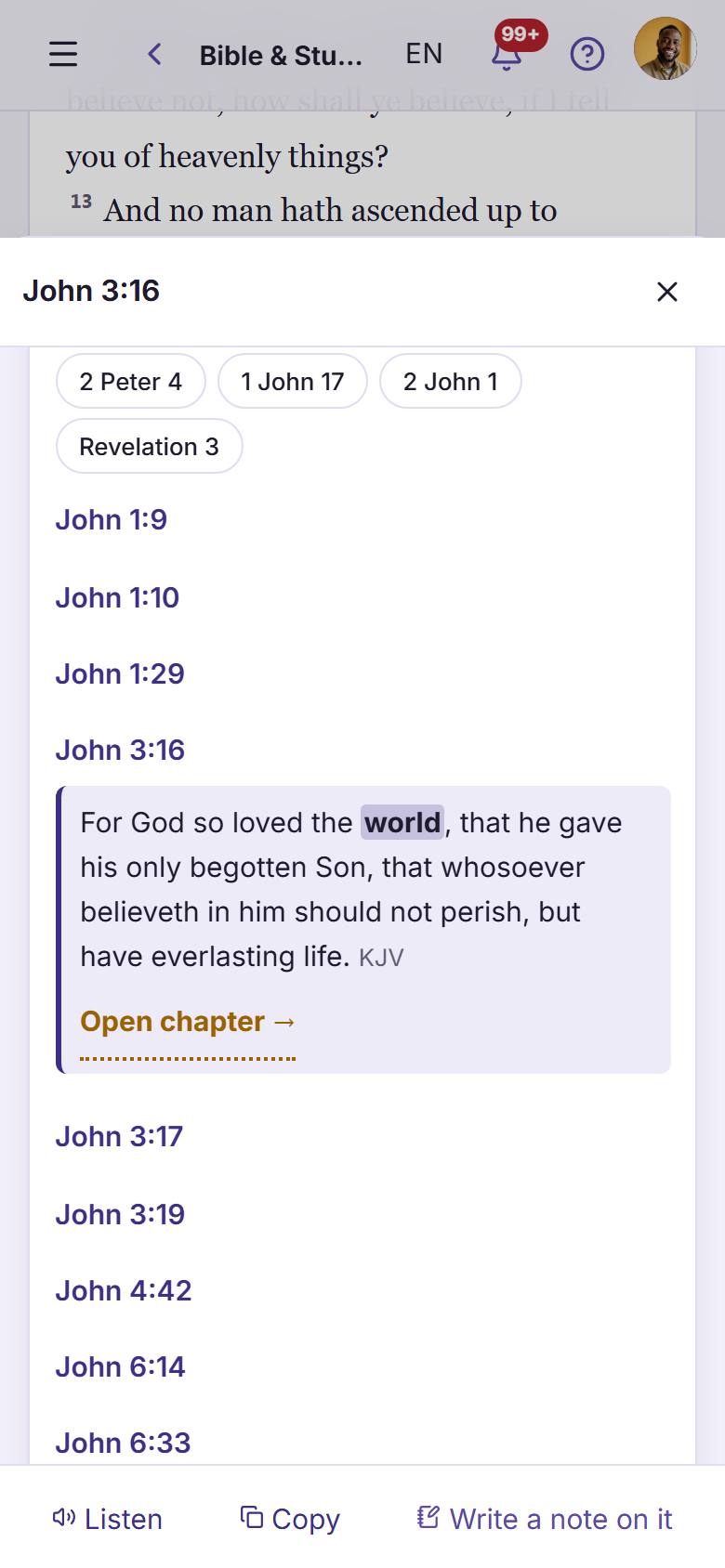
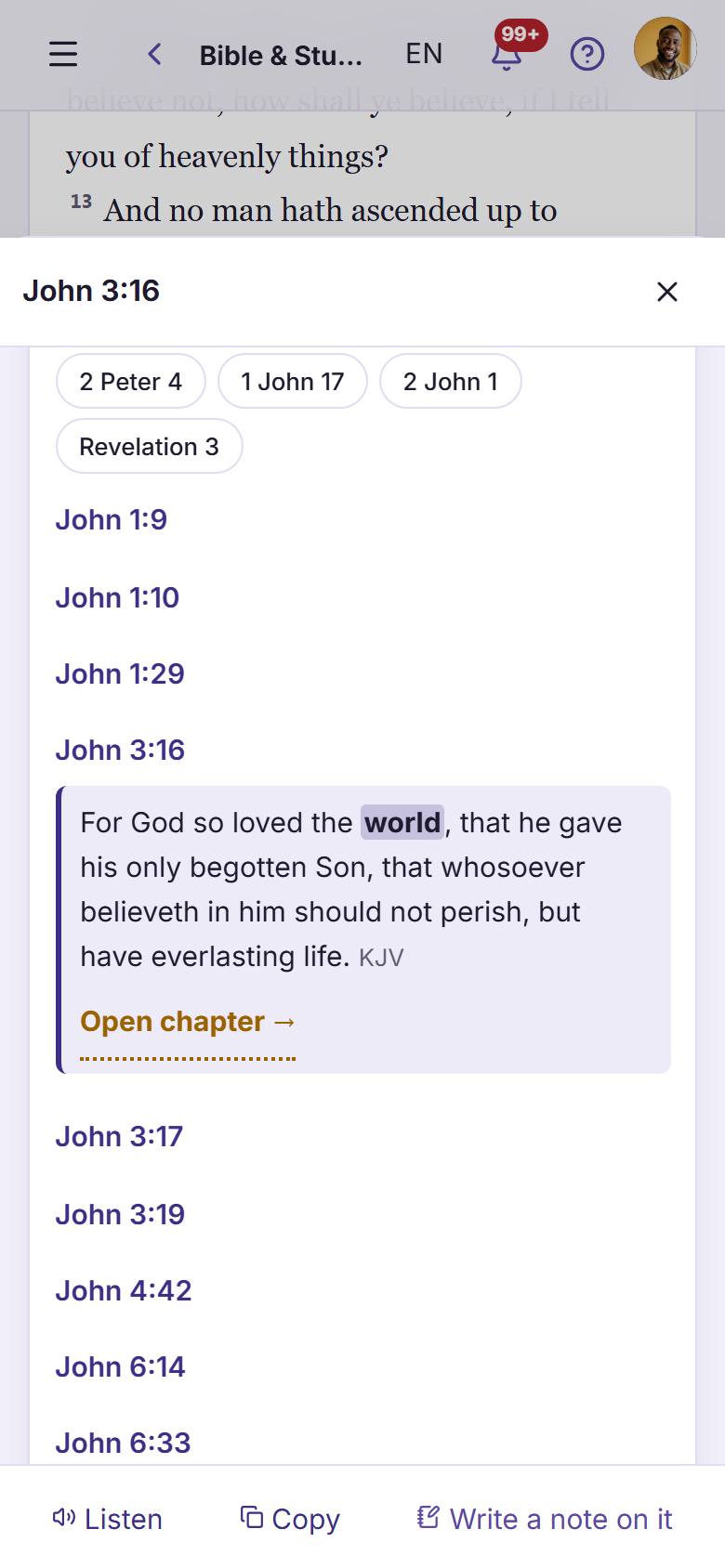
Tap "Every verse with this word", a book, then a verse 1. The verse opens right there, in your own Bible, with the word marked 2. You stay in your study.
Some Bibles put a word in the verse next to it (the Amharic Bible of 1954 often puts the main verb last). Then that verse shows too, with a line that says so. Where the 1954 Bible orders a few verses differently (for example 1 Timothy 2:1–2), all of them show together, and the Words tab shows the Greek of all of them ("Greek 2:1–2"). Above the King James Version line, "KJV 2:1" says which verse you see.
-
 15
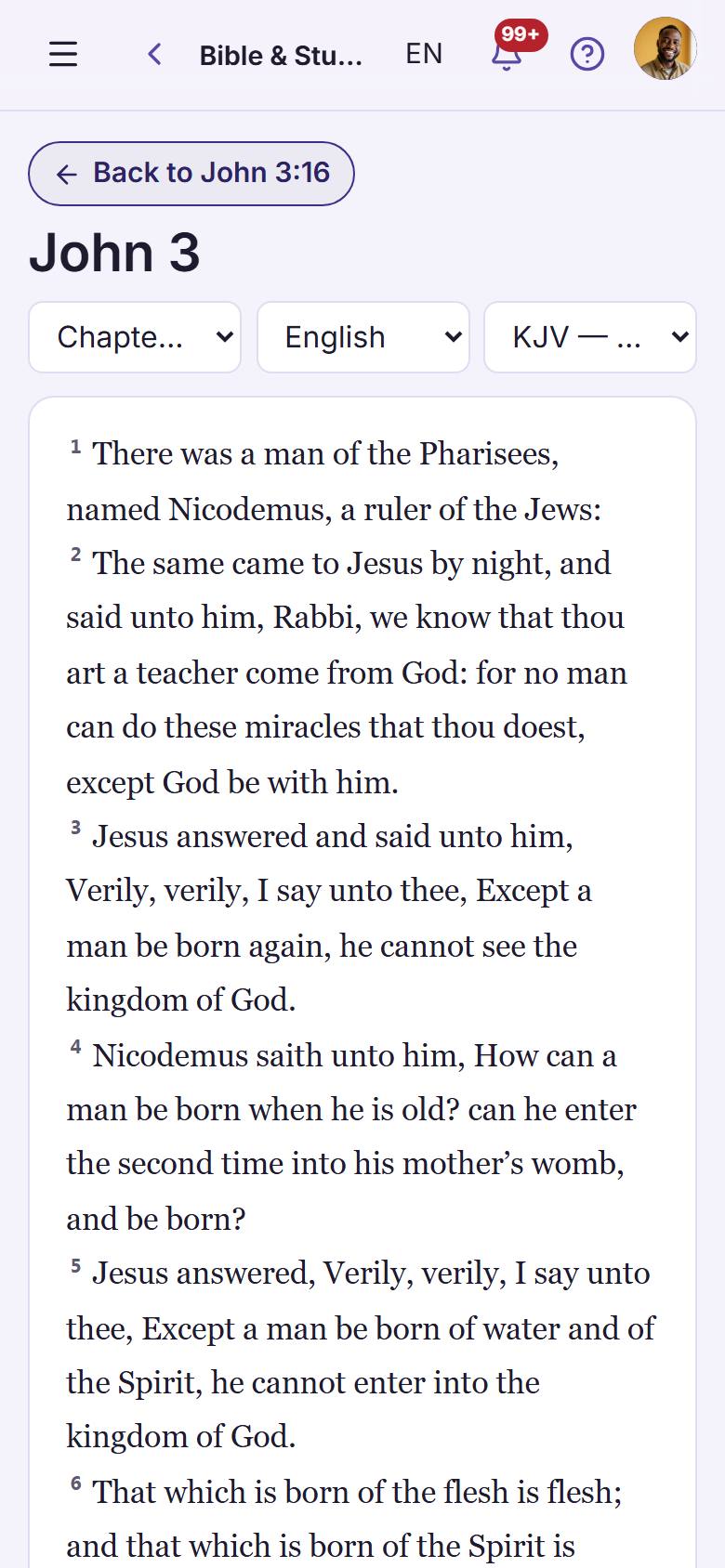
Tap "Open chapter →" 1 to read the verse in its chapter. At the top of the chapter, "← Back to John 3:16" opens your study again, on the same word.
-
 16
The chapter, with the way back 1 to your word study.