 Hibret ህብረት
See who is in your class today
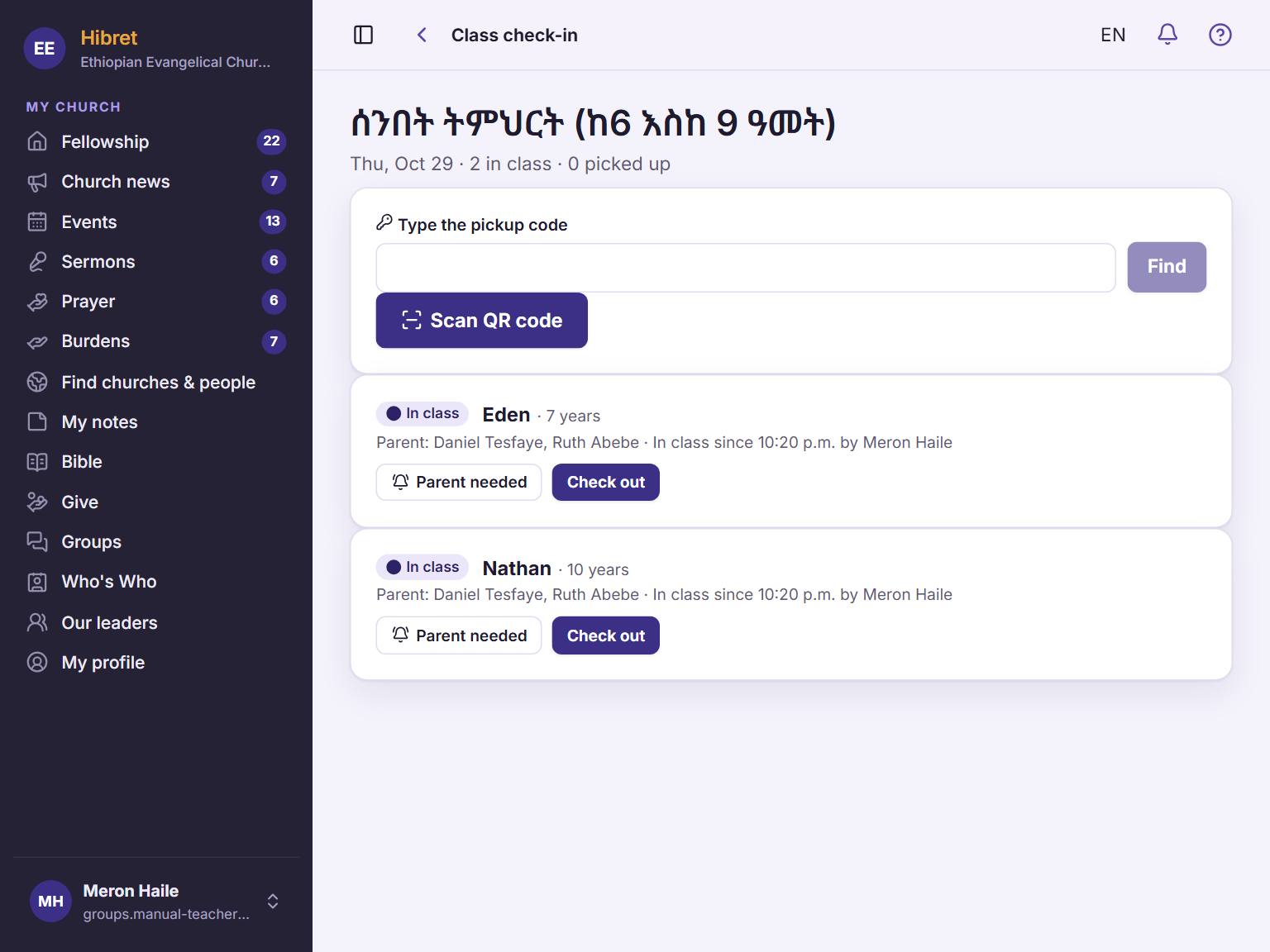
The check-in list shows each child, the parents and any allergy. It changes by itself when a parent checks a child in.
-
 11
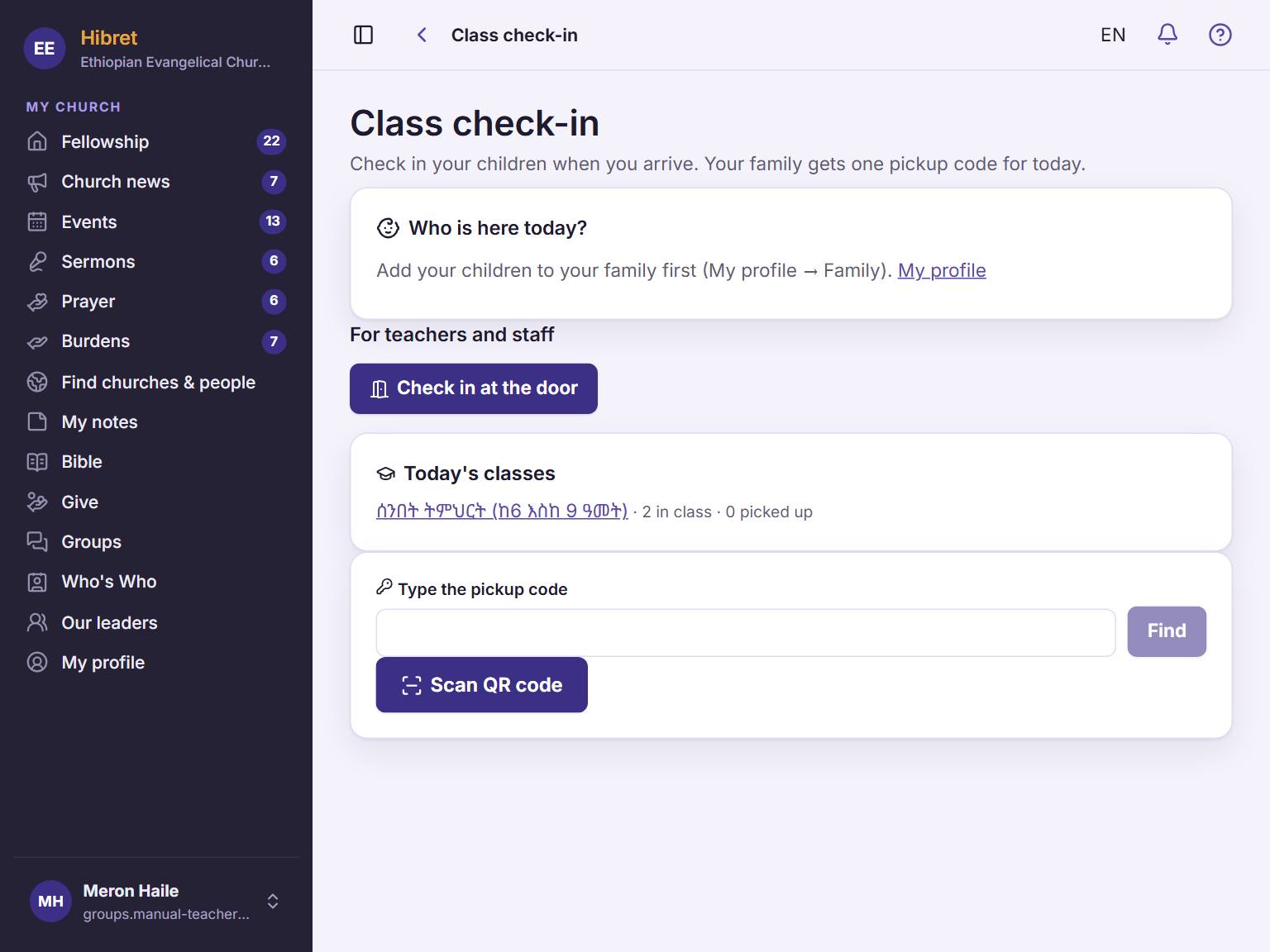
11Open "Class check-in". Under "Today's classes", tap your class 1.
-
 1232
1232Each child has a label 1: "In class", "Parent called" or "Picked up". Use "Parent needed" 2 and "Check out" 3.
Children still in class are at the top. Children who went home move down.