 Hibret ህብረት
Use a picture again: the Image Library
Every picture you upload or draw for a slide, a sermon cover, news or an event is kept in the Image Library. Choose it again anywhere, or use one of Hibret’s Bible-place photos and maps.
-
 121
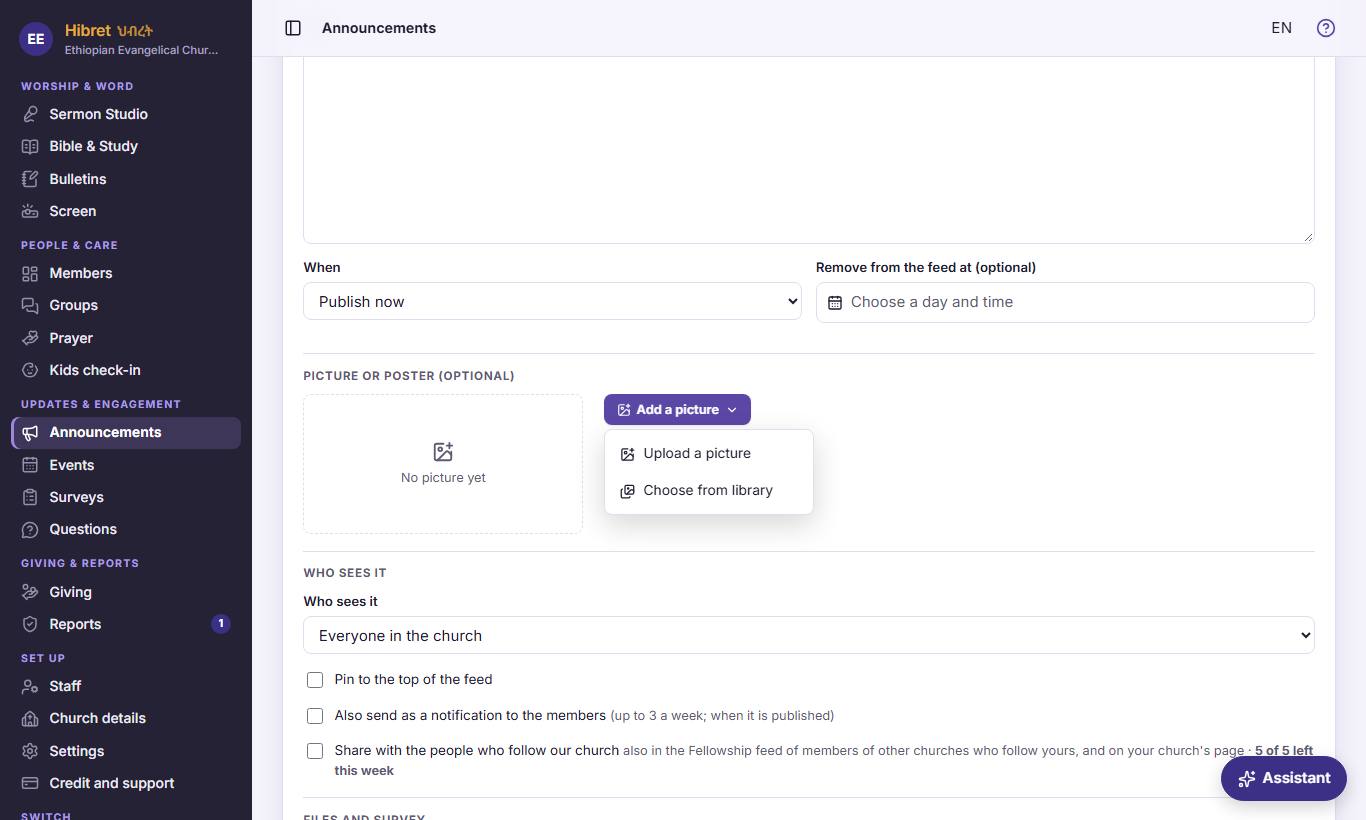
Open a slide, a piece of news, an event or a sermon’s cover. Press "Add a picture" 1 and choose "Choose from library" 2.
-
 1232
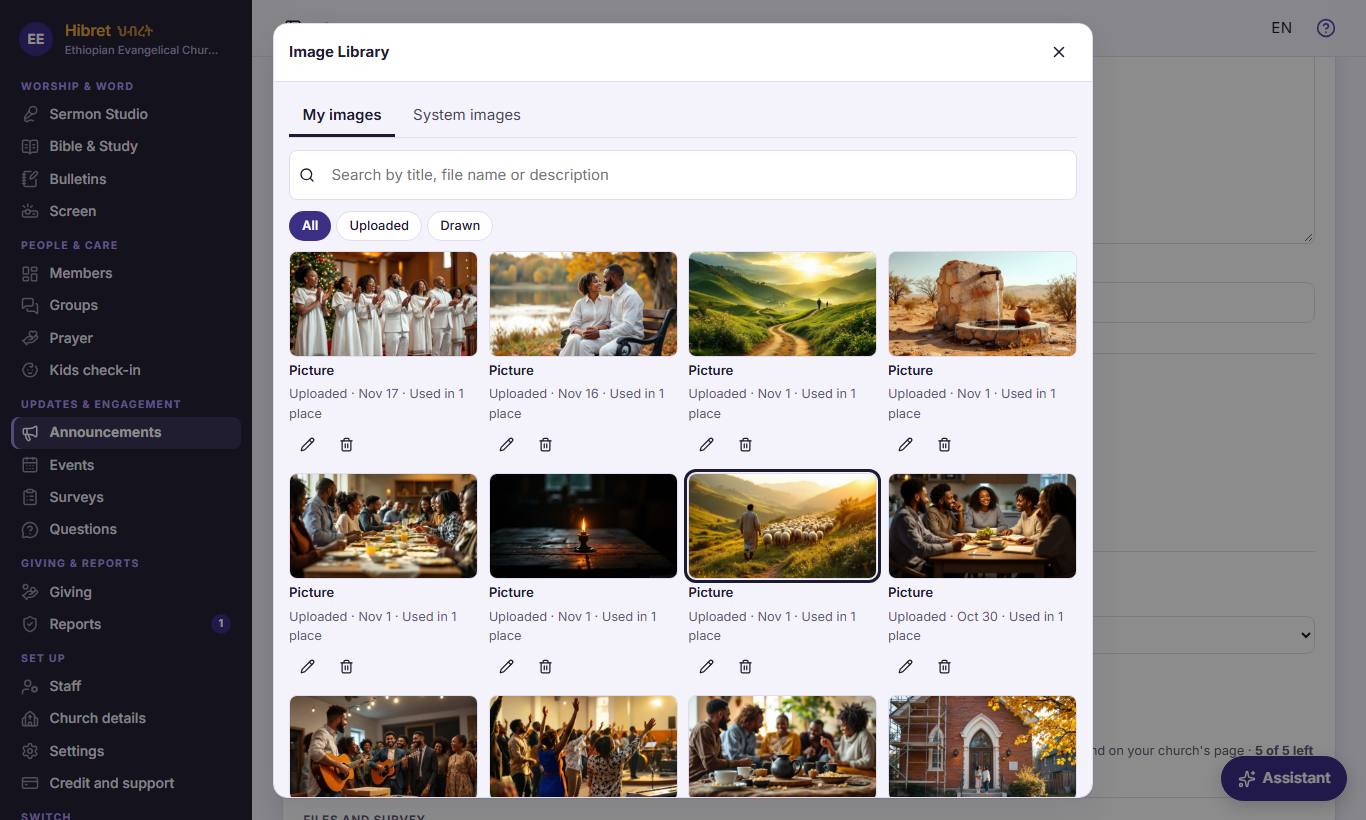
"My images" 1 shows the pictures of your church, newest first: what was uploaded and every drawing ("Drawn"). Search 2 by title, file name or what the drawing shows, or choose a kind 3. Press a picture to use it, then "Save".
The same picture is used, not a copy: it counts once in your church’s storage, however often you use it.
-
3
Give a picture a clear title with the pencil (for example "Easter cross" instead of IMG_4821.jpg). The bin removes it from the library. Each picture says where it is used, for example "Used in 1 place".
A removed picture never disappears from a slide or post that shows it: it only leaves the list.
-
 1234
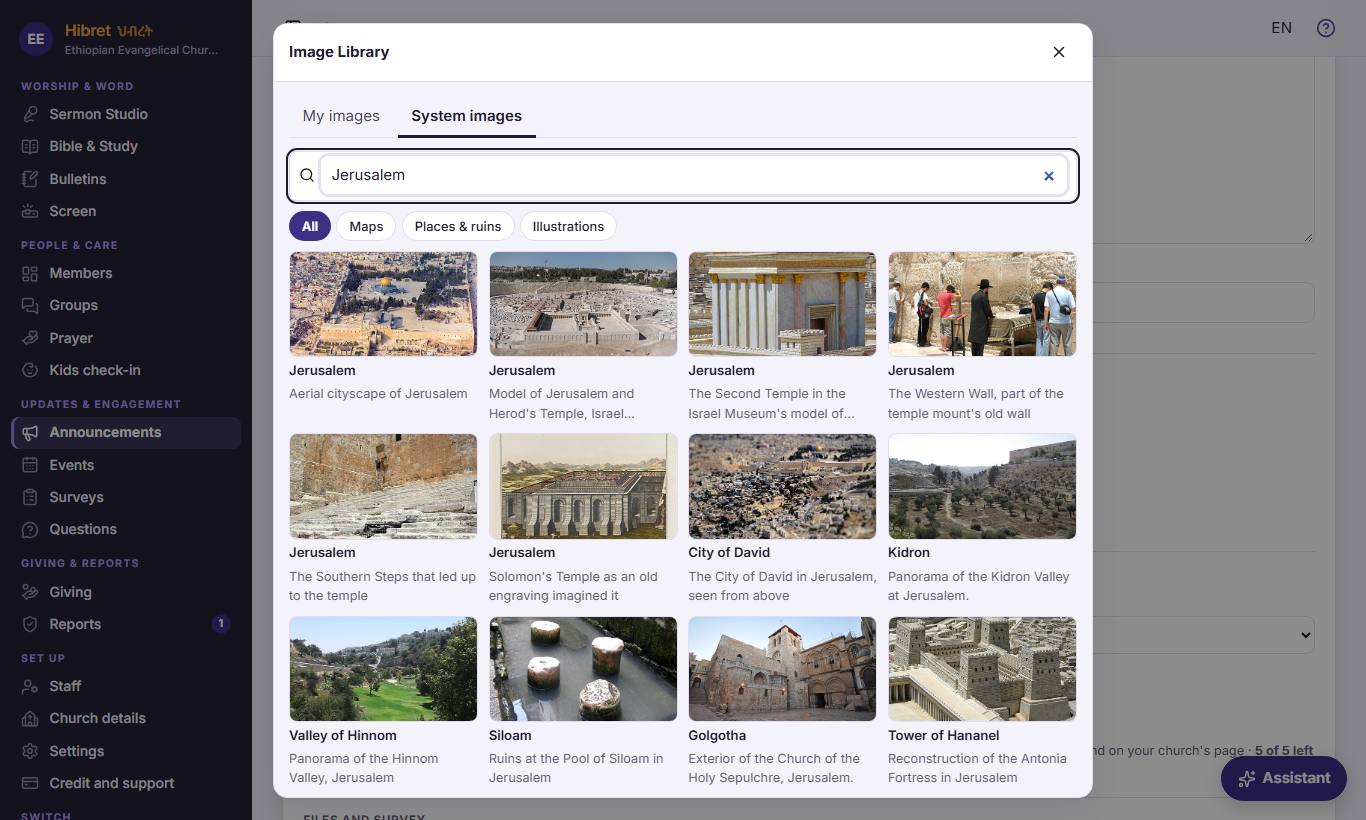
"System images" 1 has Hibret’s Bible-place photos, maps and illustrations. Search 2 in English or Amharic (a place, a region, a landmark such as the Western Wall), or choose "Maps" 3, "Places & ruins" or "Illustrations".
The picture’s credit line goes with it and shows small under the picture, also on the big screen.